
01
File management that fits customer-facing work.
The document hub is for everything that usually disappears into drives, folders and email attachments. SideIQ brings files back to the context where they are used.
AI that understands your business
Modules / Productie
Upload, organize and share documents from the workspace where customer context already lives.
Work with folders, recent activity, favorites, bulk actions and recovery from trash.
Documents connect to quotes, invoices, customer portal, SignIQ and dossier history.
No separate drive beside CRM, but files that belong to customers, projects and decisions.
01
The document hub is for everything that usually disappears into drives, folders and email attachments. SideIQ brings files back to the context where they are used.
02
all documents, folders and views from one page
03
create, share and manage folders with team members
04
add files without losing context
05
find important documents faster
06
select, delete or manage multiple documents
07
restore deleted documents when needed
08
open documents directly from the list or linked dossier context
MODULE · DOCUMENTS
Documenten die bij klanten, dossiers, kennisruimtes, offertes en beslissingen blijven. Geen losse Drive-map naast je bedrijfsproces.
Drive folders do not know which customer, quote, invoice or appointment a file belongs to. Files may be searchable by name, but they are not automatically part of the workflow.
Documents live beside CRM, customer portal, invoicing, SignIQ and Document Designer. A file can become part of a dossier, signing flow or customer portal action.
Less searching for the latest version, fewer loose attachments and more confidence that the right document is attached to the right customer and decision.
Why this is necessary
Without a connected document layer, your team has to keep figuring out what a file belongs to. A contract is in a folder, a report in an email, a PDF in a download folder and a template in an old version. The file exists, but the meaning surrounding it is lost.
That's exactly where separate document storage falls short. Files can be saved, but the system does not always understand which customer, knowledge space, quotation, work order, decision or next step belongs to it. Once documents live outside SideIQ, the system loses context about origin, version, status and usage.
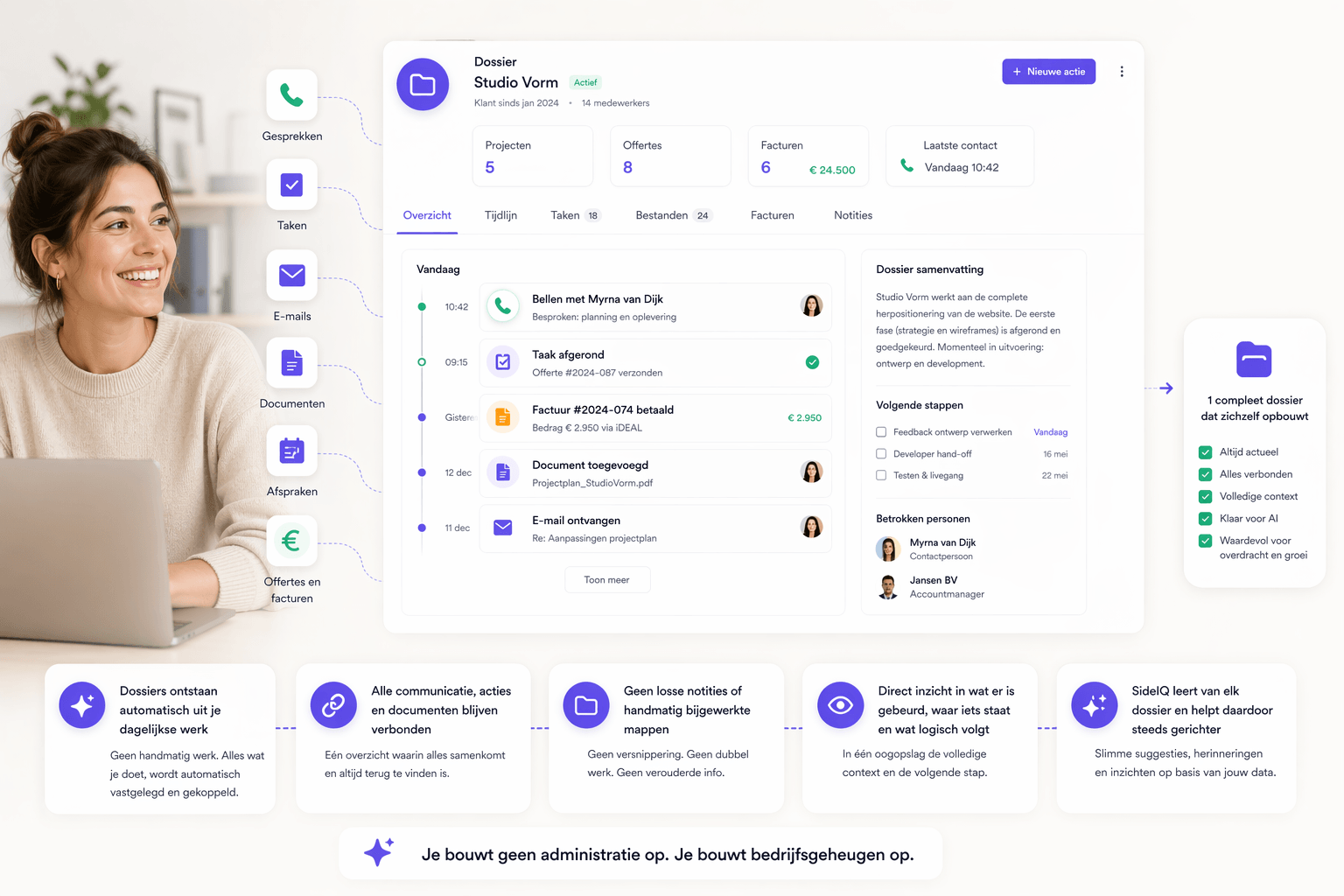
SideIQ therefore makes documents part of the Business Operating System. Files, knowledge spaces, templates, files, signing and customer portal remain connected within the same workflow. The more documents pass through SideIQ, the better the SideIQ brain understands which information is important, which version counts and what action follows logically. In this way, document management does not become a storage location, but an active layer in your corporate memory.
keep attachments, contracts and proof with the same relationship
organize documents around execution, handover and delivery
keep quotes, attachments and presentations available in the flow
find, restore and share files without email chains
Find, restore and share files without loose mailbox chains or unclear versions